Expected:
On the Spoken Content screen, you should be able to select content to display the "Speak" menu.
Actual:
Labels do not respond. No content is spoken.
Steps to reproduce:
In iOS, enable Speak Selection in General>Accessibility>Spoken Content.
In A11y-Box, select the Features tab, select Spoken Content.
Try to select any content on the screen.
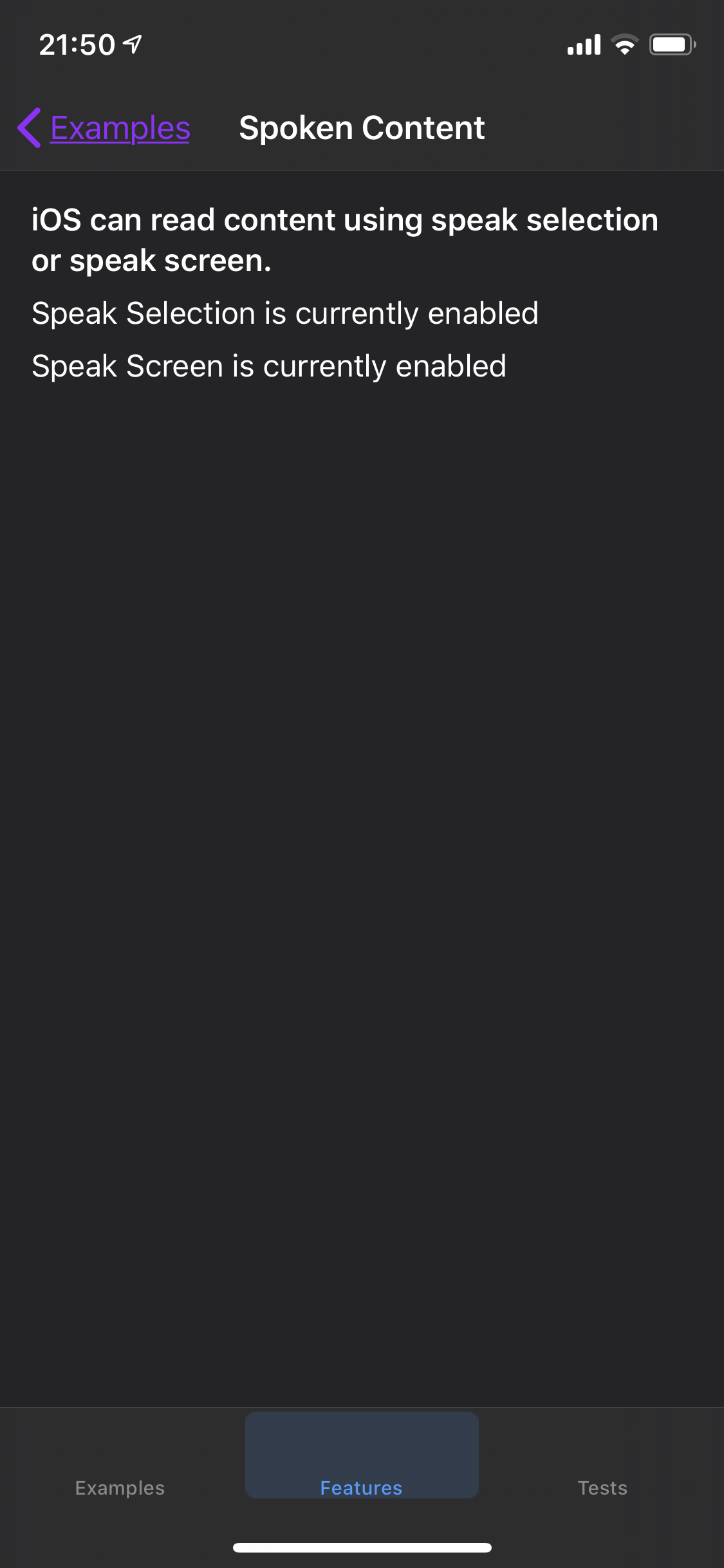

Expected:
On the Spoken Content screen, you should be able to select content to display the "Speak" menu.
Actual:
Labels do not respond. No content is spoken.
Steps to reproduce:
In iOS, enable Speak Selection in General>Accessibility>Spoken Content.
In A11y-Box, select the Features tab, select Spoken Content.
Try to select any content on the screen.