Good afternoon!
I'm writing to inquire about styling possibilities for the Juncture headings. Specifically, I'm wondering:
-
Is there any way to change the dimensions of the header size when an image is displayed? My team and I are trying to see if we can "narrow" how much of the image is being shown
-
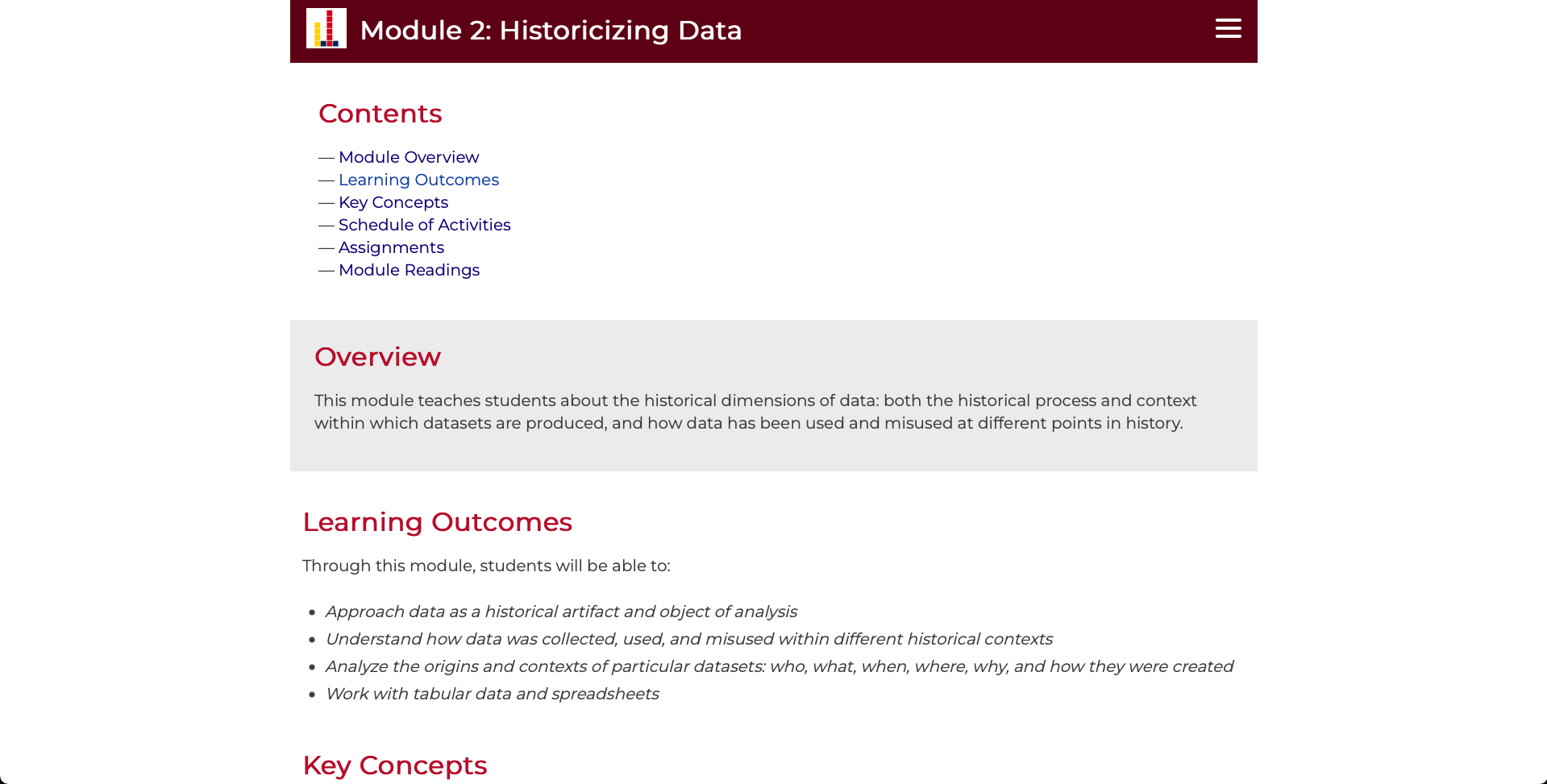
When testing the header with the logo using the coding offered on this page of the documentation: https://www.juncture-digital.org/components/header , the logo won’t render with a transparent background. I’ve tried PNG and SVG versions of the file, but it keeps loading with a white background regardless (images attached below). Is there any specific reason this might be happening?
-
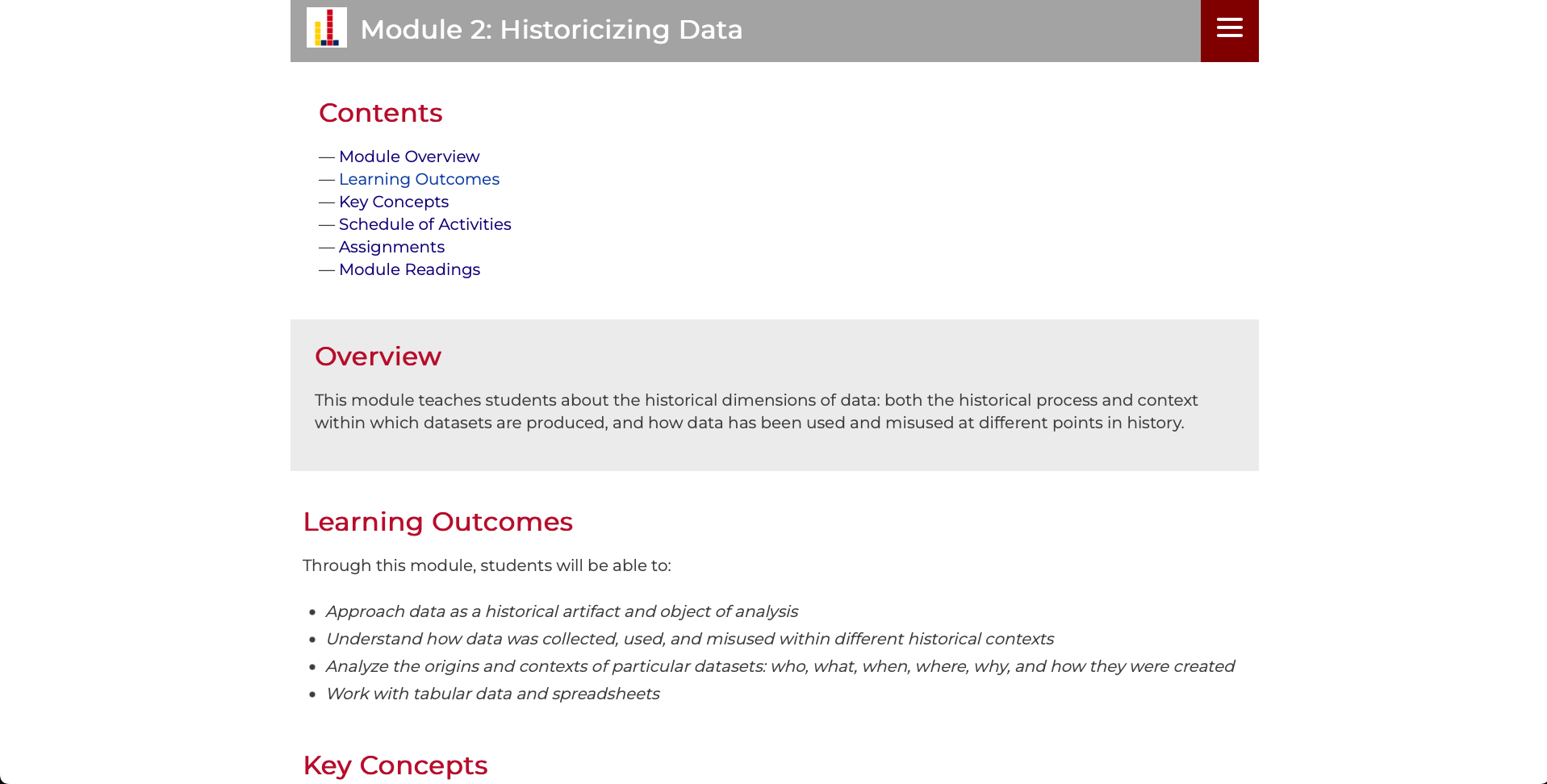
Similarly, I’m having some issues with the solid-color background header option. As soon as I add the "position=top sticky " code to the ve.header section, it automatically renders the entire section that grey-transparent color instead of the solid-color background I specified (images attached below). Is there any way to adjust this code so the header can be sticky and still have a solid-color background?
-
Is there any way to adjust the text color on the headings?
Thanks in advance for all of the help!

Good afternoon!
I'm writing to inquire about styling possibilities for the Juncture headings. Specifically, I'm wondering:
Is there any way to change the dimensions of the header size when an image is displayed? My team and I are trying to see if we can "narrow" how much of the image is being shown
When testing the header with the logo using the coding offered on this page of the documentation: https://www.juncture-digital.org/components/header , the logo won’t render with a transparent background. I’ve tried PNG and SVG versions of the file, but it keeps loading with a white background regardless (images attached below). Is there any specific reason this might be happening?
Similarly, I’m having some issues with the solid-color background header option. As soon as I add the "position=top sticky " code to the ve.header section, it automatically renders the entire section that grey-transparent color instead of the solid-color background I specified (images attached below). Is there any way to adjust this code so the header can be sticky and still have a solid-color background?
Is there any way to adjust the text color on the headings?
Thanks in advance for all of the help!