- Ubuntu 18.04
- ROS Melodic
You need to have an installed ROS system with a configured developer environment. The assumption is that your workspace is in your home directory. : ~/catkin_ws.
$ cd ~/catkin_ws/src
$ git clone https://github.com/ros-drivers/usb_cam
$ cd ..
$ catkin_make
After building the package, install the v4l-util Ubuntu package. It is a collection of command-line V4L utilities used by the usb_cam package:
$ sudo apt install v4l-utils$ sudo apt install ros-melodic-rosserial$ cd ~/catkin_ws/src
$ git clone https://github.com/MaxTyulin/ros-face-tracker.git
$ cd ..
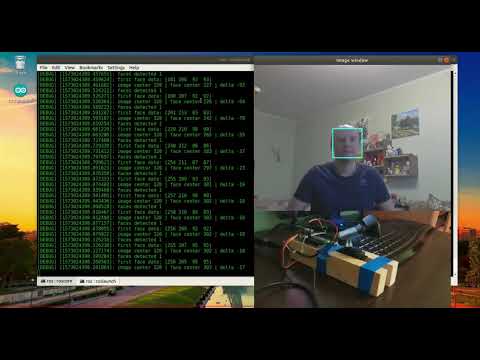
$ catkin_make$ roslaunch face_traker face_traker.launchclick on the image to watch the video